


HR Management Software: Connecting Time Tracking and Payroll
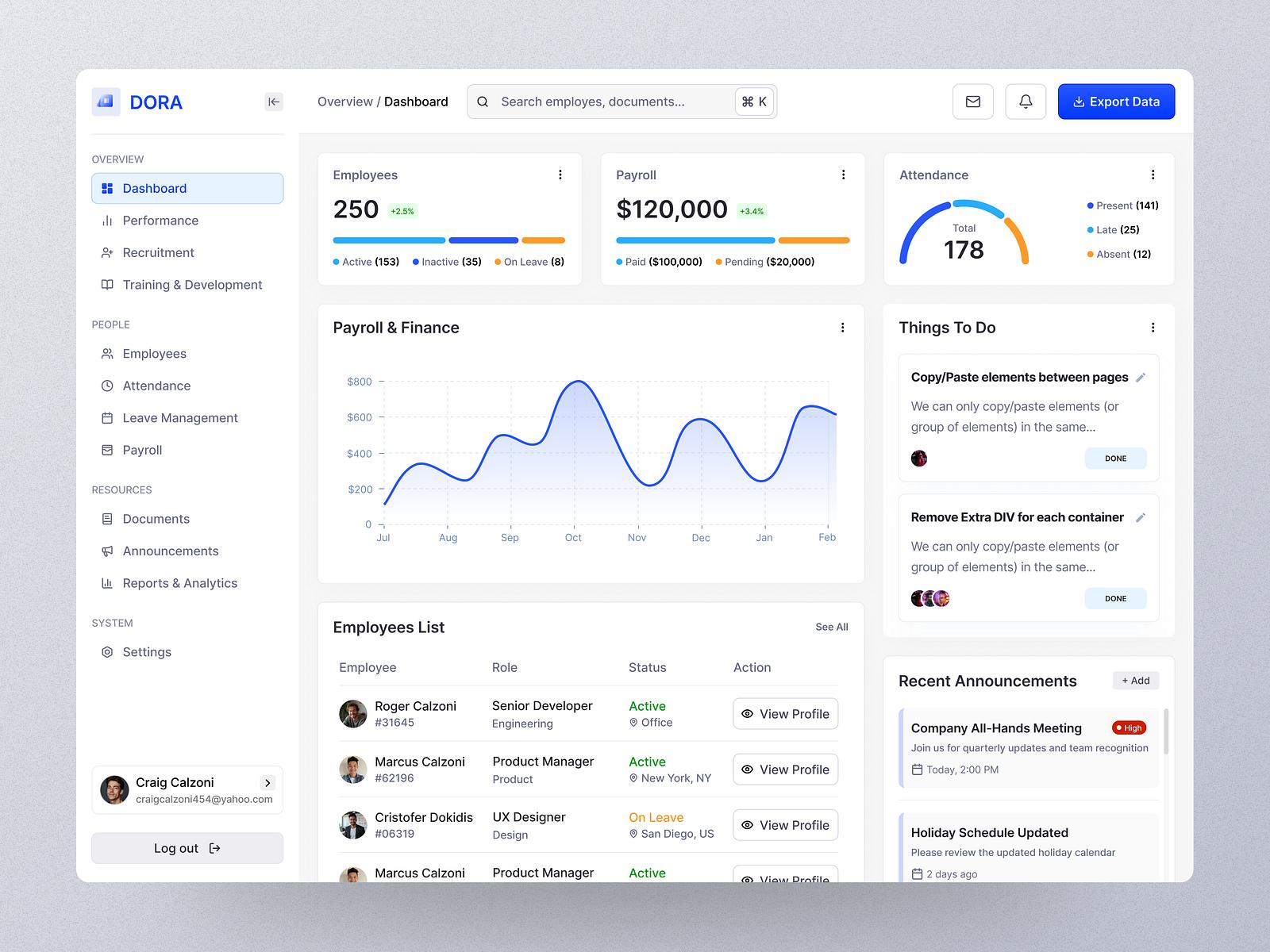
HR management software helps connect profiles, time tracking, leave requests, and payroll calculation, reducing manual data entry and making payroll checks easier.

What is HR Management Software?
HR management software is a system that supports businesses in managing employee information, contracts, time tracking, leave, payroll, and HR operations on a unified platform. Instead of storing data across multiple Excel files or separate software, businesses can connect relevant information to reduce duplicate data entry and make reconciliation more convenient.
Depending on the functional scope, the software may focus on a single operation such as time tracking, payroll calculation, or managing the entire employee lifecycle. Therefore, when searching for HR management software, businesses need to clearly define whether they need a specialized tool or a system connecting multiple processes.
For example, time tracking data can be used as a basis for working days; approved leave requests are cross-checked with workdays; contract information and salary levels are used when compiling payroll. The level of automation depends on software features, configuration, and input data quality.
 Why Should Businesses Connect Time Tracking and Payroll?
The problem with HR processes lies not only in entering data multiple times, but also in information inconsistency across departments.
An employee's working hours may be recorded on a timekeeping machine, leave requests sent through another channel, and salary paid according to a separate calculation sheet. When closing payroll, HR must aggregate these data sources, check for discrepancies, and confirm special cases.
A properly configured HR management software can help businesses address the following issues:
- Reduce duplicate data entry: employee information and time tracking data are reused in subsequent steps if the system supports connectivity.
- Easy discrepancy tracing: workdays, leave, allowances, and deductions can be cross-checked before finalizing payroll.
- Standardize processes: departments apply the same established recording and approval rules.
- Track personnel costs: conveniently aggregate data by payroll period, department, or employee group if the system has corresponding reports.
However, software does not automatically eliminate all errors. Missing timekeeping data, misconfigured salary formulas, or unupdated employee information can still cause inaccurate payroll results. Businesses need to maintain verification steps before finalizing payroll sheets.
How Does Time Tracking and Payroll Software Work?
The basic process consists of five steps: recording data, checking workdays, confirming leave and related items, calculating payroll, then cross-checking and finalizing the payroll sheet.
Step | Required Data | Action Required |
1. Time Tracking Recording | Clock-in, clock-out, shift | Collect data from timekeeping machines, applications, or sources used by the business. |
2. Workday Reconciliation | Work schedule, leave days, overtime | Detect missing, duplicate, or abnormal records for verification. |
3. Operation Confirmation | Leave requests, allowances, bonuses, deductions | Check approval status and calculation basis. |
4. Payroll Calculation | Salary rules and verified data | Apply formulas according to employee group and payroll period. |
5. Review and Finalize | Provisional payroll, adjustment history | Cross-check variance items, approve, and save the final result. |
The key point is not to treat the system-generated payroll sheet as inherently accurate. Payroll needs to be verified according to internal procedures, especially when the company has multiple shift types, salary levels, allowances, or payment methods.
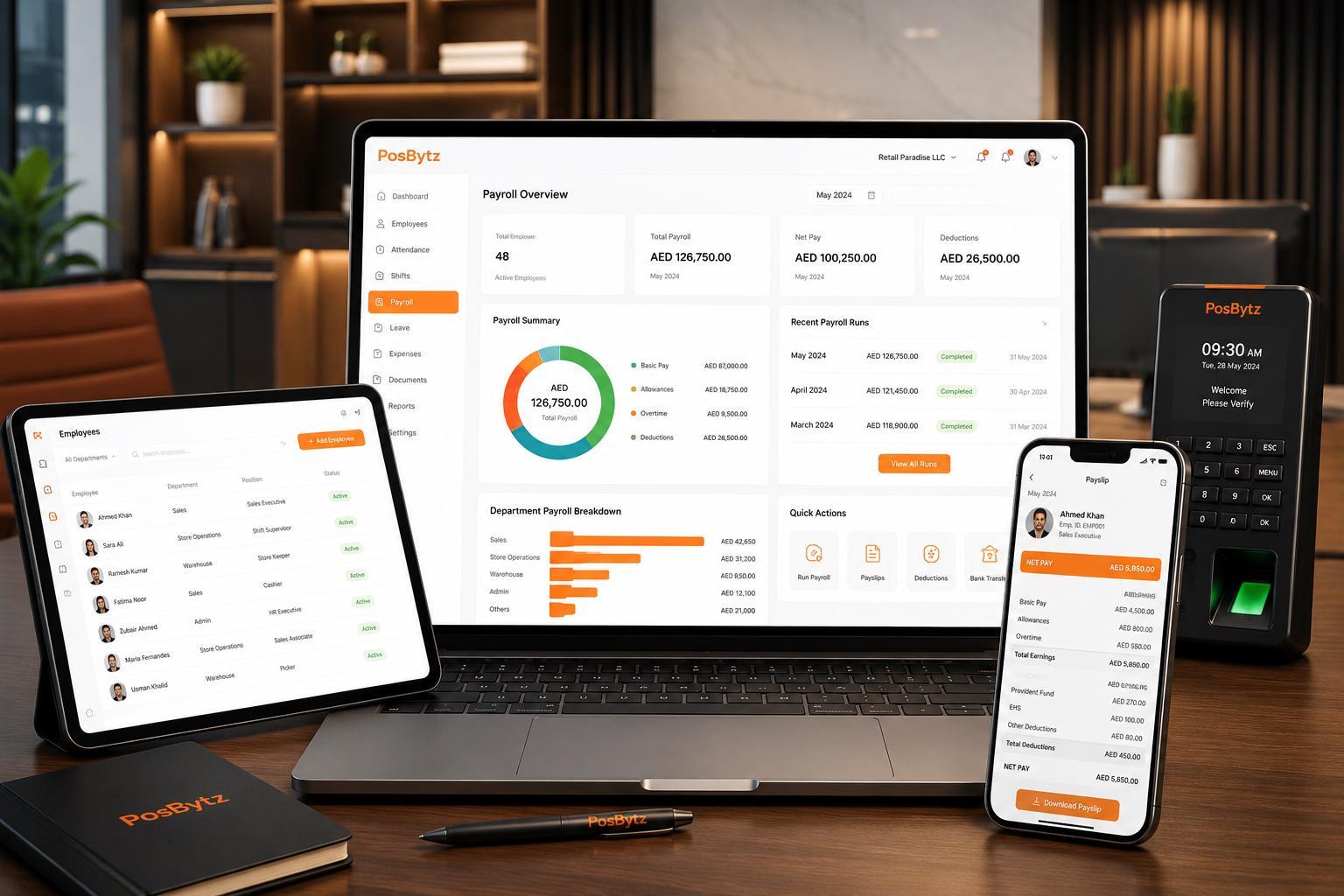 Illustrative Example: Payroll Reconciliation for Shift Employees
Suppose a store has morning and evening shift employees, where some receive shift allowances and can register for overtime.
If time tracking data, shift schedules, and payroll sheets are managed separately, HR must check each source before calculating payroll. When a shift record misses clock-out time, payroll calculation may have to pause for verification.
With a connected process, HR can inspect shift schedules and time tracking data within the same system, confirm abnormal cases, and apply configured salary formulas. Allowances or overtime still require validation against company policy and confirmed data.
This is an illustrative situation for the workflow, not a measurement result from a specific customer. Actual effectiveness depends on operational practices and software integration depth.
Essential Features in HR Management Software
1. Employee Profile and Contract Management
The software should allow storing employee information, contracts, work history, qualifications, and related documents. When information is centrally updated, HR can easily look it up and minimize using outdated data.
Businesses should also verify access permission controls. HR records and salary data are sensitive information that must be protected, so not all users should be able to view or edit all data.
2. Time Tracking and Shift Management
Time tracking features can receive data from timekeeping machines, mobile apps, or other input methods supported by the software. For shift-based businesses, evaluate the capability to set up work schedules, time calculation rules, overtime, and handling missing data.
Before deployment, clarify how the system handles late arrivals, early departures, shift swaps, mid-shift breaks, and unexpected situations. These rules directly affect data used for payroll calculation.
3. Leave and Absence Management
The software should support submitting leave requests, routing them to the right approvers, tracking status, and updating leave balance according to configured policies.
When leave data connects with work schedules and time sheets, HR can cross-check approved leave days instead of compiling from multiple sources. If the business has a multi-level approval process, check for approval flow customization capabilities.
4. Rule-Based Payroll Calculation
A payroll software needs to support setting up components such as base salary, workdays, allowances, bonuses, overtime, and deductions aligned with applied policies.
Before official use, run a trial payroll period and compare software results with manual checks. Special cases should be verified separately, such as employees joining mid-period, unpaid leave, or salary adjustments during the period.
5. Social Insurance and Personal Income Tax Support
If the software includes social insurance and personal income tax calculation features, verify regulatory update capabilities, proper input configuration, and data export for reconciliation.
Do not rely solely on sales claims that the software "automatically updates to regulations". Responsible staff still need to inspect application timing, eligible subjects, employee data, and calculation results before executing official tasks. For legal regulations, cross-reference current official documents from competent authorities.
6. HR and Payroll Expense Reporting
Reports help businesses track headcount, workdays, leave status, and payroll expenses by period or department, depending on system capabilities.
For reports to be useful, businesses must standardize data classification and closing cut-off times. If one department records allowances differently from others, summary reports may be difficult to compare or misleading.
Distinguishing HR Management, Time Tracking, and Payroll Software
These three software groups may overlap in functions, but their problem-solving scopes are not identical.
Software Type | Focus Area | Best Suited When |
Time Tracking Software | Record working hours, shifts, and workdays | The business mainly needs to standardize work time recording. |
Payroll Software | Calculate income based on data and salary rules | The business needs to standardize formulas and payroll preparation workflows. |
HR Management Software (HRM) | Connect profiles, time tracking, leave, payroll, and other HR operations depending on the system | The business wants to manage multiple HR operations on a single platform. |
Product names do not guarantee feature scope. A product labeled HRM may not necessarily cover complete timekeeping, payroll, or insurance features. Evaluate software based on actual features, integration capabilities, and handling of current operational issues.
When Should Businesses Switch from Excel to HR Management Software?
Excel can still meet basic needs with few employees, simple workflows, and easily verified data. Transition decisions should rely on operational complexity rather than employee count alone.
Businesses should consider software when encountering one or more of the following situations:
- Each payroll period requires consolidating data from multiple files or handlers.
- Salary formulas vary by position, shift, allowance, or specific policies.
- Frequent discrepancies occur between time tracking data, leave requests, and payroll sheets.
- Difficulty identifying who modified data or why salary results changed.
- HR staff spend excessive time on repetitive tasks, limiting process auditing and improvement.
- The business requires stricter access control over profile and income information.
Before switching, standardize employee lists, employee IDs, shift schedules, salary rules, and allowances. Next, run a trial period with sample data, compare results, and resolve variances before officially replacing the legacy process.
How to Choose Suitable HR Management Software
There is no single software fitting all businesses. The right choice depends on HR organization structure, compensation rules, existing systems, and post-deployment operational capability.
Businesses can use the following checklist when evaluating vendors:
- Functional scope: Does it cover all necessary operations?
- Time tracking data sources: Does it connect with currently used devices and recording methods?
- Salary formulas: Does it support actual employee groups, allowances, overtime, and deductions?
- Approval workflows: Does it support approval flows for leave, time adjustments, or related requests?
- Permissions and security: Does it restrict permissions to view, edit, and export sensitive data?
- Audit log history: Can editor identity and modification timestamps be looked up?
- Reporting and data export: Does it meet reconciliation, aggregation, and archival needs?
- Deployment and support: Is there a clear plan for data entry, training, testing, and issue support?
- Total cost of ownership: Account for deployment, integration, training, and operation costs, not just software licensing.
A product demo should use scenarios close to actual business operations rather than reviewing feature slides alone. Request vendors to demonstrate an end-to-end workflow from time tracking and exception handling to payroll calculation and results auditing.
 How OneXEOS Supports HR & Payroll Management
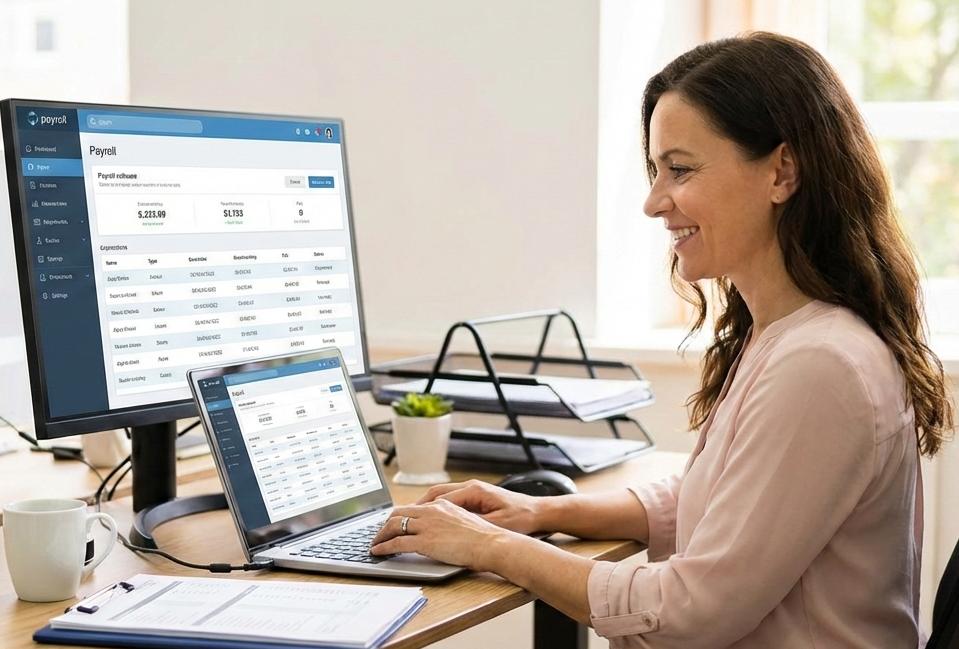
OneXEOS provides a HR & Payroll solution with capabilities to manage employee profiles, time tracking and shifts, leave requests, payroll calculation, as well as social insurance and personal income tax operations.
The system allows capturing timekeeping data from devices, mobile apps, or manual entry; setting up formulas for salary, allowances, and deductions; and exporting payroll sheets for auditing prior to finalization. Businesses should evaluate feature alignment with current policies during product demonstrations.
If managing leave requests or adjustment proposals requires multi-tiered approval flows, explore OneXEOS Approval software. For tasks related to implementing HR policies, assigning tasks, or tracking internal progress, the Projects & Tasks application can support task assignment and status tracking.
Connecting applications should be evaluated based on actual needs, permissions, and data sharing scope. Prior to implementation, confirm integration flows, access control, and data verification procedures.
Frequently Asked Questions About HR Management Software
1. Does time tracking and payroll software completely replace Excel?
Not necessarily. Software reduces manual aggregation and calculation needs, but companies can still use Excel for ad-hoc analysis or custom reporting. The key is ensuring master data, calculation rules, and final results remain consistently managed.
2. Can HR management software calculate shift-based payroll?
Yes, provided the software supports shift configuration and matching payroll formulas. Verify handling of overnight shifts, shift swaps, overtime, days off, and edge cases prior to deployment.
3. Where can time tracking data be sourced from?
Depending on the product, data can be collected via timekeeping machines, mobile applications, or manual entry. Confirm device compatibility, integration methods, and missing or duplicate entry handling.
4. Does the software automatically calculate social insurance and personal income tax?
Some systems offer features to assist in these calculations. However, output accuracy depends on configuration, input data, and applicable regulations. Organizations should verify settings, effective dates, and output figures before executing official tasks.
5. Can employees view their own payslips?
This depends on software capabilities and permission configurations. When evaluating solutions, confirm whether employees can view only their own records while preventing access to others' payroll information.
6. What should a company prepare before deploying software?
Standardize employee profiles, contracts, shift schedules, timekeeping rules, payroll formulas, allowances, and deductions. Then run trial data, test permissions, and perform reconciliation for at least one payroll period prior to go-live.
Conclusion
HR management software brings the most value when helping businesses connect data and control processes, rather than simply replacing an Excel spreadsheet with a new interface.
When selecting a solution, start from current operational challenges: difficult timekeeping reconciliation, complex salary formulas, inconsistent leave processes, or lack of change history. From there, define required capabilities, conduct real-world scenario testing, and assess implementation readiness before deciding.
Sign up for a free trial today to experience the OneXEOS HR & Payroll solution or contact OneXEOS using the information below for tailored guidance! 👇
________________________________________
ONEXEOS - Enterprise Operating System
 Website:www.onexeos.com
 Hotline: 0986 935 251
 Email: hello@onexeos.com
 Address: M4-21, M4 Street, Manhattan Villa Area, Vinhomes Grand Park, Long Binh Ward, Thu Duc City, HCMC

